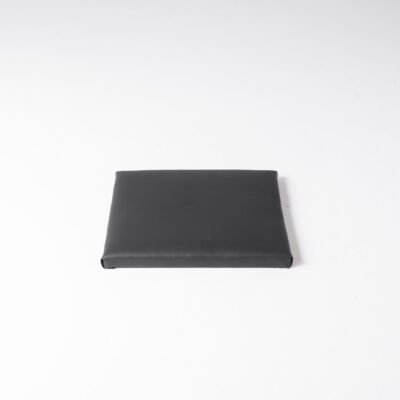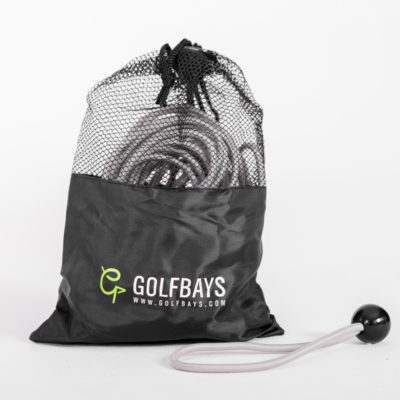
Search demand for golf simulator accessories spikes after the crate arrives. This checklist is the order we recommend at Lux Golf Simulator — not a dump of every SKU in the catalog.
Quick answer: After the enclosure and launch monitor, buy a hitting mat, projector mount, side protection, and software. Shop the full aisle in golf simulator accessories.
Must-have golf simulator accessories
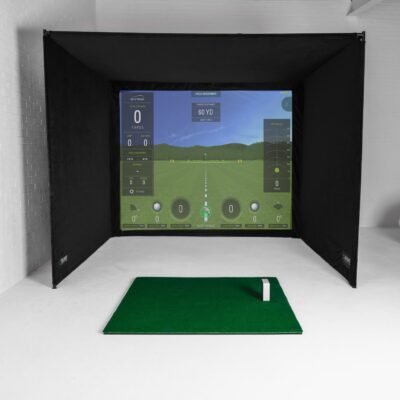
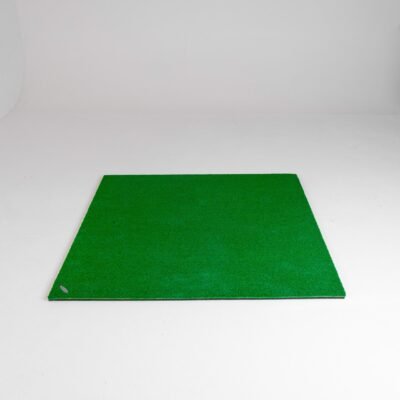
- Hitting mat — stance, turf feel, joint protection. See our mat guide and golf hitting mats.
- Projector mount or floor case — alignment is the accessory. Browse projectors for compatible mounts.
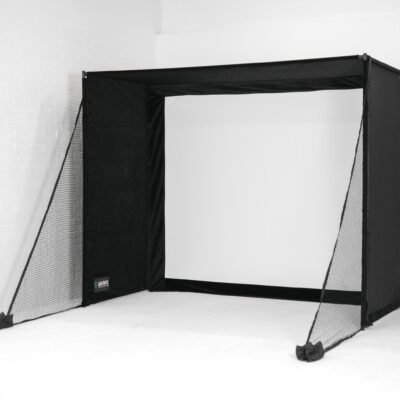
- Side foam / extra netting — shanks happen in a garage.
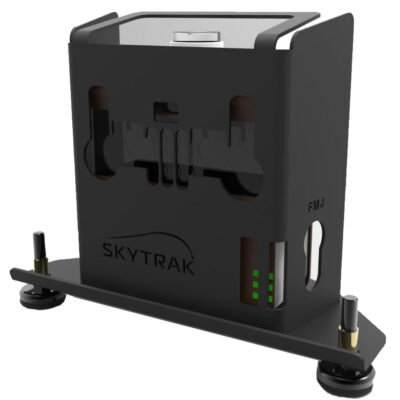
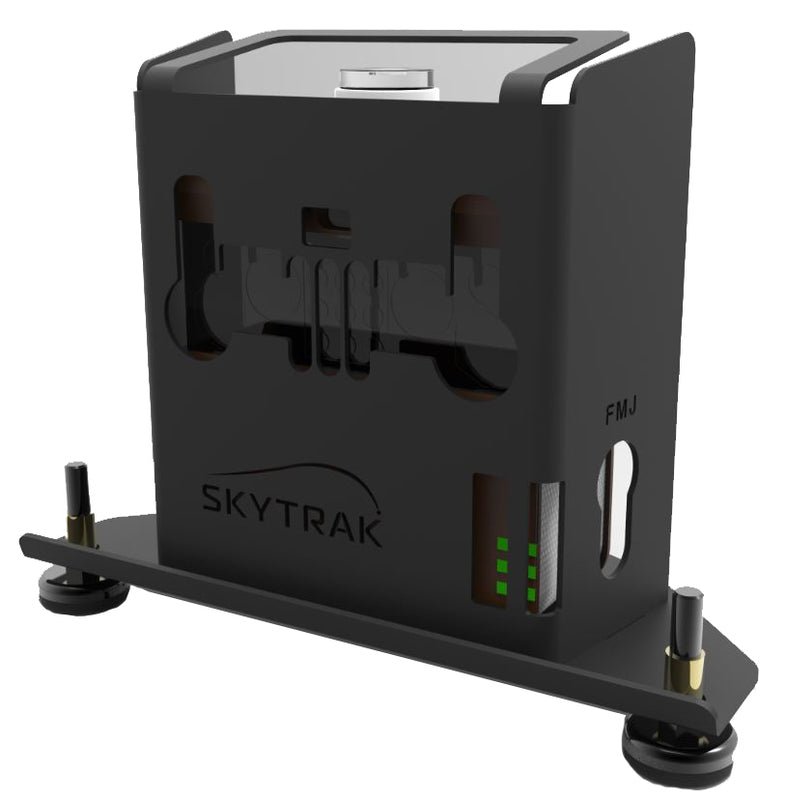
- Launch monitor case or shield — especially photometric units near the hitting zone.
- Software license — GSPro or E6. See GSPro golf simulator software.
Nice-to-have, not day-one
Putting mats, acoustic tiles, club sensors, and decorative turf. Buy them after the image is sharp and the ball stays in the bay. Accessories should not outspend the impact screen.
How this page relates to the shop category
The accessories category is for browsing SKUs. This article is the buying order. If you are still choosing the bay itself, start with best golf simulator or a complete package.
Ask us to add accessories onto a package quote so freight ships once.