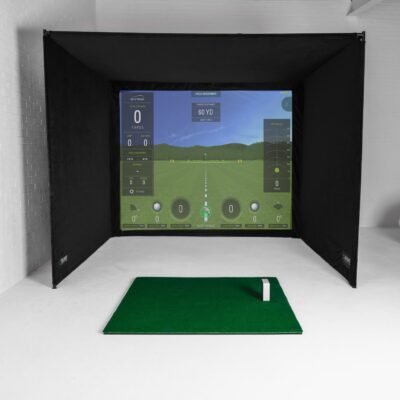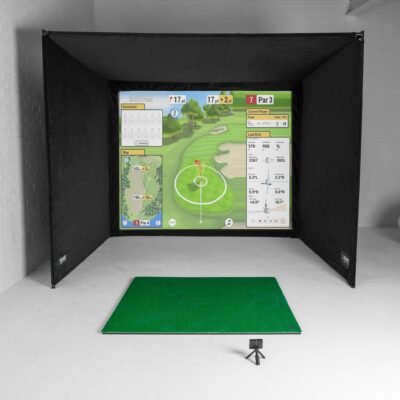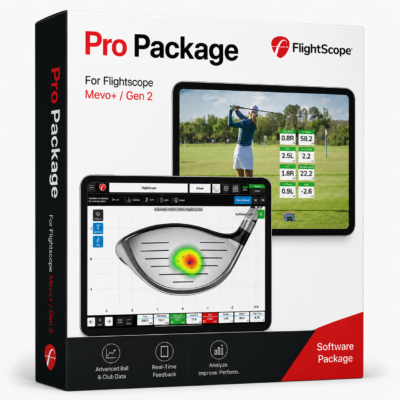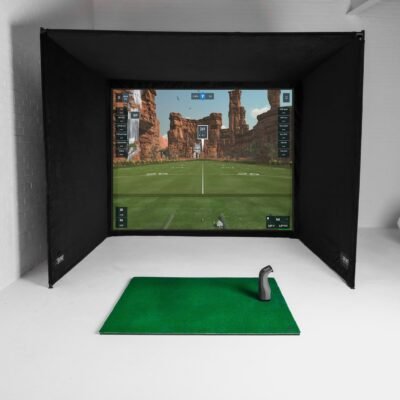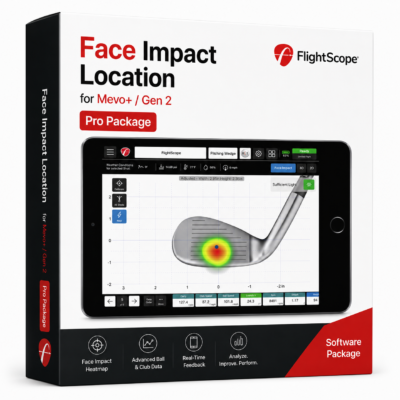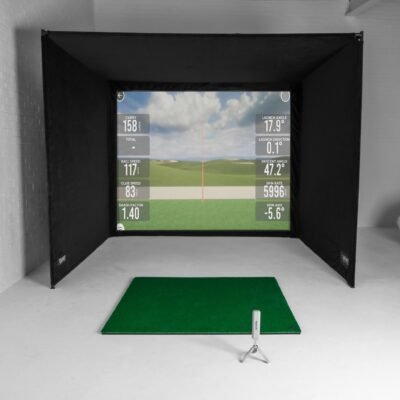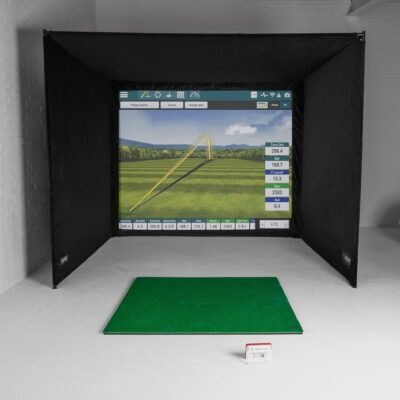
Building an indoor golf simulator setup step by step: measure your room, choose a launch monitor, install enclosure and impact screen, mount a short-throw projector, and configure GSPro or E6 — with product links for every component.
Step-by-Step Indoor Simulator Build
1) Measure ceiling, width, depth. 2) Select launch monitor by budget. 3) Order SimBox enclosure + screen. 4) Add mat and projector. 5) Install software and calibrate. Use our room designer to preview your package.
Shop Indoor Golf Simulator Setup Gear
Browse in-stock indoor golf simulator setup products with free shipping and expert support. Shop all golf simulators →